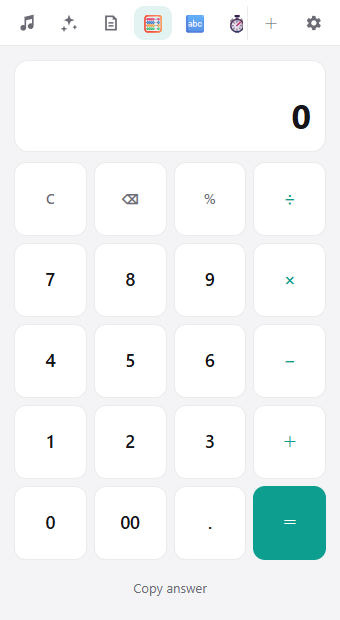
A calculator at the edge of your screen. Calculate, then copy the answer
No need to hunt for the Calculator app. Open it from the edge, do the math, and copy the answer straight into what you're writing.
Add from +What it does
- Add, subtract, multiply, divide and percent
- Works with your keyboard too
- "Copy answer" puts the result on your clipboard
Great for
Quotes and budgets, splitting a bill, checking numbers while you build a spreadsheet.
How to use it
In Hashikko, click + at the top right and click Add next to Calculator. After that, open it from its icon at the top.