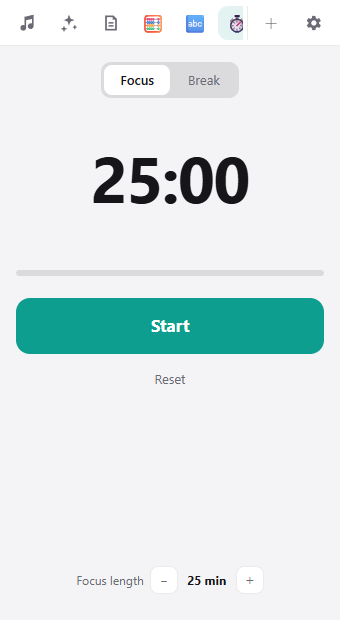
A focus timer at the edge of your screen
Work for 25 minutes, rest for 5. Use focus-and-break intervals like the Pomodoro Technique without opening another app.
Add from +What it does
- Switch between Focus and Break
- Set any length from 1 to 90 minutes
- The panel changes color when time is up
- Counts your focus sessions for the day
Great for
Studying, writing, or getting through chores.
How to use it
In Hashikko, click + at the top right and click Add next to Timer. After that, open it from its icon at the top.